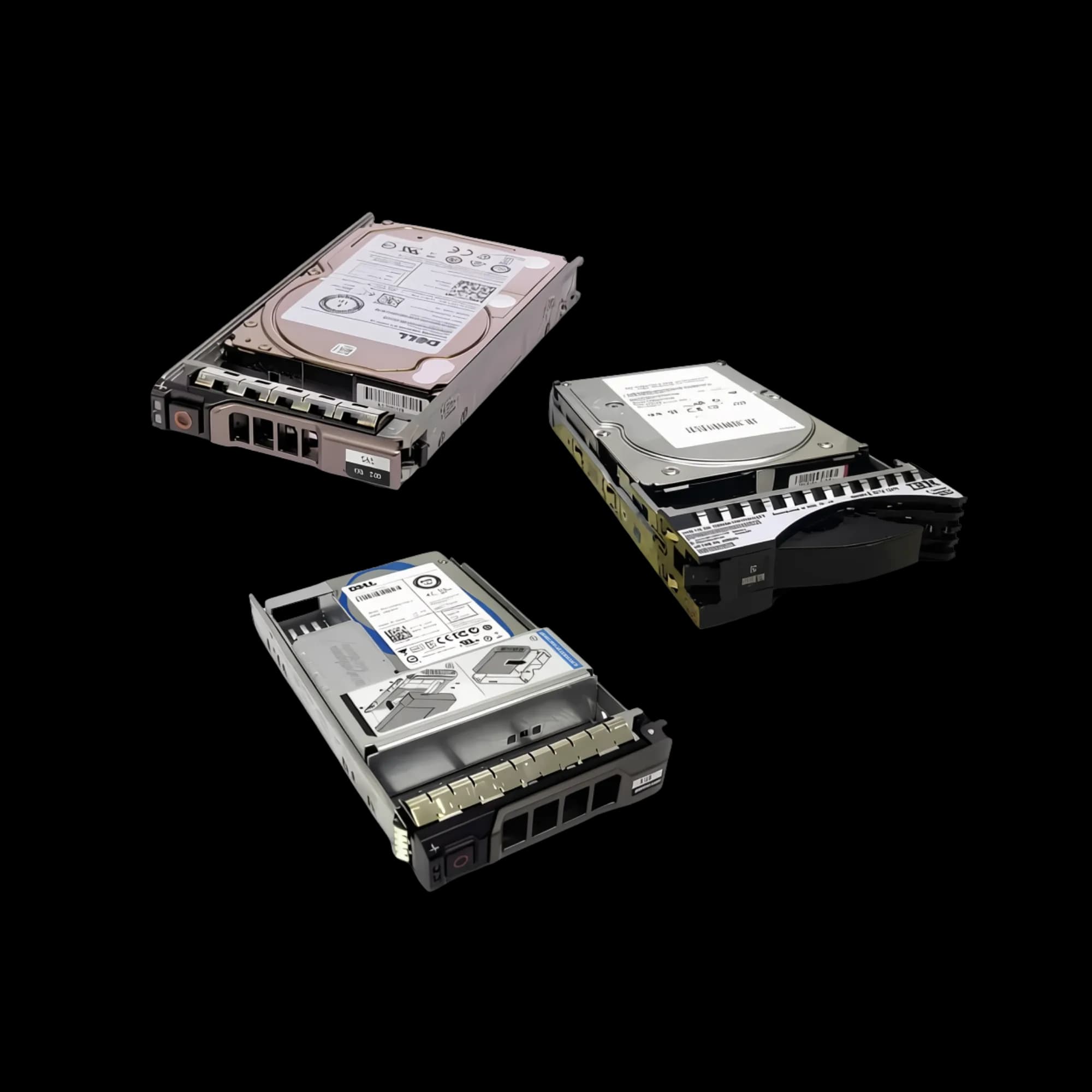
Photo 1 of 2
HDD_PERDORUR
| Category | KOMPONENTET / HDD |
|---|---|
| SKU | HDD_PERDORUR |
| NAS Drives | Optimized for storage systems, e.g., WD Red or Seagate IronWolf. |
| Desktop/Standard Drives | Common models like WD Blue (Caviar) or Seagate BarraCuda. These are the most common and… |
| Laptop Drives | 2.5-inch form factor drives, such as WD Scorpio Blue. |
| Capacity | Ranges from 160GB, 320GB, 500GB, 1TB, 4TB, up to 24TB and beyond. |
| Interface | Mostly SATA III (6Gb/s). Some server models may use SAS. |
| Rotation Speed (RPM) | 5400 RPM (slower, quieter) or 7200 RPM (faster, better performance). 10000 RPM drives… |
Used Hard Disk Drives (HDDs) offer an economical solution for expanding data storage capacity, particularly suitable for archival purposes, NAS (Network Attached Storage) systems, or storing non-critical data. These drives typically originate from enterprise servers, workstations, or computers that have been upgraded or decommissioned. However, purchasing used drives requires careful inspection and verification of their health to prevent data loss.
Common Types and Brands:
The market primarily features drives from leading brands such as Seagate, Western Digital (WD), and HGST (Hitachi). They are generally categorized as follows:
Enterprise Drives (Server/Workstation): Models like Seagate Exos, WD Gold, or HGST Ultrastar. Designed for 24/7 operation with higher durability.
NAS Drives: Optimized for storage systems, e.g., WD Red or Seagate IronWolf.
Desktop/Standard Drives: Common models like WD Blue (Caviar) or Seagate BarraCuda. These are the most common and often more affordable.
Laptop Drives: 2.5-inch form factor drives, such as WD Scorpio Blue.
Key Technical Specifications:
Capacity: Ranges from 160GB, 320GB, 500GB, 1TB, 4TB, up to 24TB and beyond.
Interface: Mostly SATA III (6Gb/s). Some server models may use SAS.
Rotation Speed (RPM): 5400 RPM (slower, quieter) or 7200 RPM (faster, better performance). 10000 RPM drives exist for servers.
Cache (Buffer): Ranges from 8MB, 16MB, 64MB, up to 256MB or 512MB.
Form Factor: 3.5 inches for desktops/servers and 2.5 inches for laptops.
Pre-Purchase Checklist (Buyer's Guide):
Buying a used drive carries risks, so follow these steps:
Request a Health Report (SMART): Ask the seller for a screenshot from CrystalDiskInfo.
Health Status: Must be "Good".
Power-On Hours: Should not exceed 10,000 hours (approx. 1.5 years of use). Drives over 20,000-30,000 hours have a high failure risk.
Inspect Critical SMART Attributes:
05 – Reallocated Sectors Count: Must be 0. If greater than 0, the drive has damaged sectors and is not recommended.
C5 – Current Pending Sector Count: Must be 0.
C6 – Uncorrectable Sector Count: Must be 0.
Physical Inspection (If Possible):
Label: Should be clear, with a logo and Serial Number (SN) that matches.
Screws: Should show no signs of tampering (which could indicate the drive was opened).
Connector: Should be free of rust and deformation.
Avoid These Drive Types:
SMART Cleared Drives: Sellers can falsify power-on hours.
SMR (Shingled Magnetic Recording) Drives: Unsuitable for NAS or continuous writing. Always prefer CMR.
Too-Cheap Drives: Below 50% of market price, likely damaged or counterfeit.
"Mining" Drives (Chia): Used for cryptocurrency mining, suffer extreme wear (often >30,000 hours) and have severely reduced lifespan.
Seek Warranty: Prefer sellers offering a "store warranty" (e.g., 3-6 months) for replacement in case of defects.
Post-Purchase Testing:
Upon receiving the drive, perform these tests before storing important data:
Full Surface Scan: Use HD Tune (Error Scan) or DiskGenius to scan the entire surface. If any red blocks (bad sectors) appear, return the drive immediately.
Speed Test: Use CrystalDiskMark to check if read/write speeds meet specifications. A 7200 RPM drive should achieve sequential reads above 100 MB/s.
Temperature Test: During operation, the temperature should not exceed 55°C. Higher temperatures indicate component aging.
Box Contents (Varies by seller):
Used Hard Disk Drive (wrapped in anti-static protection)
(Optional) SATA cable
(Optional) Mounting screws
This response is AI-generated, for reference only.
Request a business or installer quote
For businesses, partners and installers: tell us the quantity and project needs. Our team will contact you with a quote.
Reviews
No reviews yet. Be the first to review this product.